Camera Placement: The Coverage You Think You Have vs. What You Actually Have
Most camera systems cover less than owners think. A walkthrough-driven coverage audit closes the gap between the spec sheet and the Sunday morning reality.
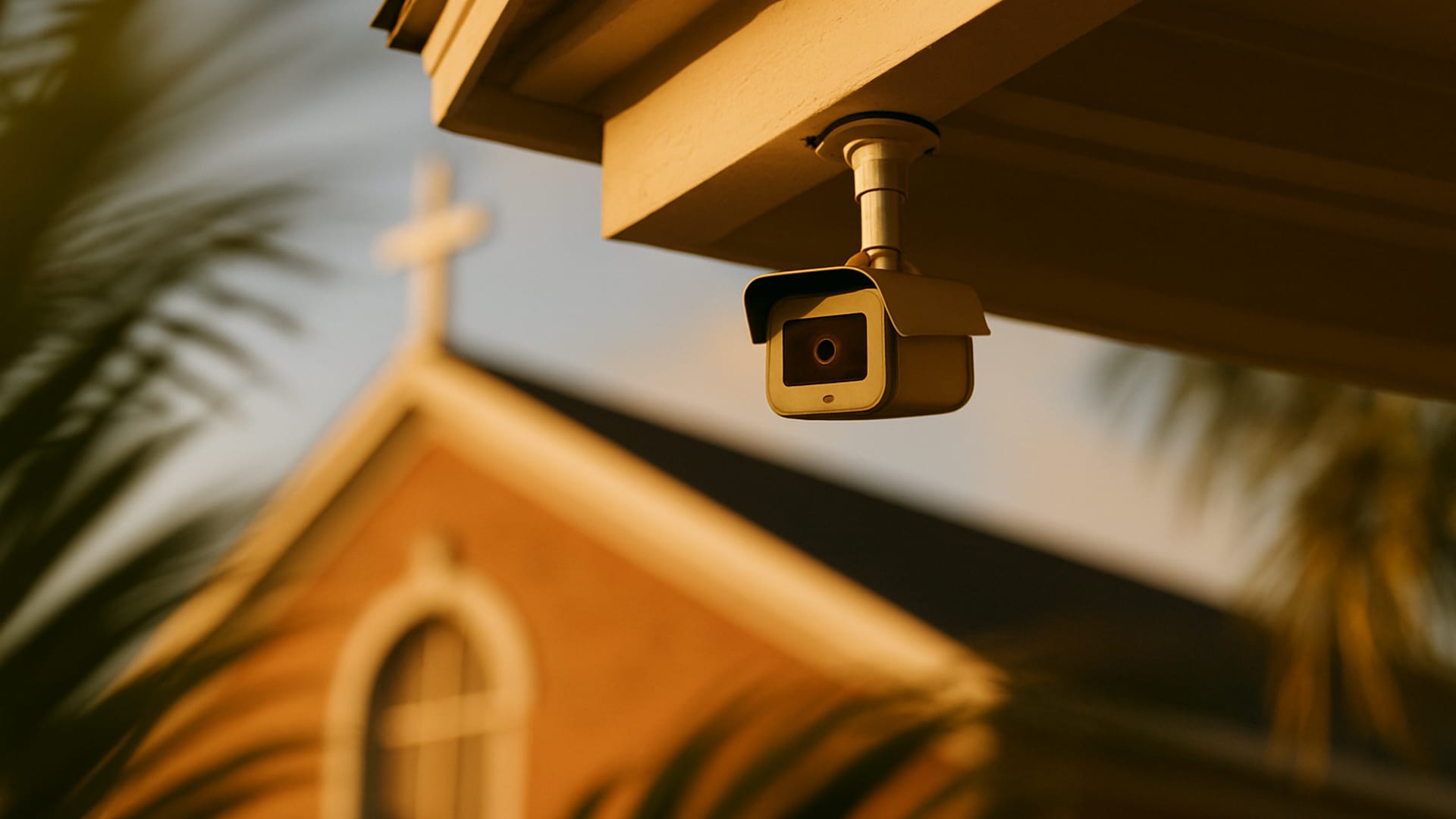
The camera is pointed at the ceiling.
Not literally. Or sometimes literally. In the last year we have audited facilities across Fort Myers, Cape Coral, Naples, and Port Charlotte where a named security camera, on the facility map, with a tidy label in the monitoring software, was in fact aimed at a ceiling tile. Someone had bumped it during a maintenance visit in 2022 and nobody had checked since.
That is the coverage gap in miniature. What the system inventory says, what the map shows, and what the camera actually sees are three different things. An audit is the discipline of aligning all three.
Coverage is a map, not a count.
Organizations often describe their camera system by count. “We have 24 cameras.” That number tells you almost nothing. It does not tell you:
- What they are pointed at
- Whether they can identify a face at the distance involved
- Whether they see clearly in low light
- Whether the footage is being recorded
- How long that footage is kept
- Whether anyone has reviewed footage in the last three months
A camera count is a purchasing metric. A coverage map is a security metric.
The eight zones of a real coverage map.
When we build a coverage map for a client, we look at eight zones. Every zone should be covered well enough to answer the question who was there, when.
1. The street approach
The road, the driveway, the parking lot entrance. Wide-angle coverage. License plate capture at the entrance is a bonus, not a requirement, but it is more useful than most organizations realize when something happens.
2. The parking lot interior
Where vehicles sit. Where people walk between cars. Where fender-benders and domestic disputes and medical emergencies actually happen. Good lighting matters as much as the camera here. A camera aimed at a dark lot captures silhouettes, not identifications.
3. Every exterior door
Every one. Front, back, side, service, kitchen, mechanical room, chapel annex. Each door that can be used to enter or exit should have a camera with a clear view of anyone using it. The door everyone uses daily is the easy one. The seldom-used door is where a real security event tends to start.
4. The entry lobby and check-in
The highest-value coverage in most facilities. The angle should capture faces, not the tops of heads. Height matters. Cameras installed at eight feet looking straight down capture crowns. Cameras installed at seven feet with a slight angle capture faces.
5. Cash and offering areas
Where money is handled. The count room. The offering-collection path, if applicable. The safe or lockbox. These areas should have both continuous coverage and a record of who was present during counts.
6. Children’s or resident wings
Hallways, not rooms. We are not recommending cameras inside classrooms or resident rooms, which carries its own set of legal and ethical concerns. Hallway coverage with clear views of every doorway into child or resident spaces is standard.
7. High-value storage and equipment
The audiovisual closet. The server room. The equipment shed. The pantry or kitchen with expensive appliances. These are common theft targets, and they are rarely in the original camera plan.
8. The perimeter seams
The fence line. The dark corner behind the playground. The pool area after hours. The delivery bay. These are the interstitial zones that only get camera coverage when someone has explicitly asked for it.
What we test on a walkthrough.
Camera coverage is not verified from a console. It is verified by walking the space with the system live and confirming what each camera sees.
- Position: does the camera actually see what the label says it sees?
- Resolution at distance: can a face be identified at the farthest point of the covered area?
- Low-light performance: how does the image look at the darkest hour of operation?
- Obstruction: has a plant grown into frame? Has a sign been placed in front of the lens?
- Recording: is footage actually being stored, and can it be pulled on demand?
- Retention: how far back does footage go, and does that match your incident response window?
- Access: who can view footage, export footage, or delete footage? When did they last do so?
Walkthrough testing is the difference between a security system and a system inventory.
Retention: the setting nobody thinks about.
Most facilities we audit do not know their actual retention window. They know what the installer configured four years ago. Between then and now, the drives have filled, settings have changed, power cycles have interrupted the schedule, and the actual retention is frequently different from the stated retention.
Standard recommendations by organization type:
- Daycares and children’s ministries: 30 to 60 days minimum, given that incident reports sometimes surface weeks after the event.
- Senior living: 60 to 90 days, given the same delay dynamic plus family-initiated investigations.
- Nonprofits with cash operations: 60 days minimum, because fraud patterns often emerge only when quarterly financials are reviewed.
- Churches: 30 to 60 days as a baseline, longer for safety-sensitive areas.
- Executive offices and high-value facilities: 90 days, often more.
Longer retention requires more storage. Storage in Florida climate requires thermal management. Drives that run at 90 degrees Fahrenheit fail faster than drives that run at 70. Facilities audit finding: check the DVR closet temperature.
The Southwest Florida environmental tax.
Our region is hard on camera systems. Three specific factors:
- Humidity. Lens housings sweat. Moisture intrudes at connector points. Image quality degrades faster than in drier climates.
- Salt air. Facilities anywhere near the coast, from Fort Myers Beach to Sanibel to Marco Island, see accelerated corrosion on exterior hardware. Stainless steel and sealed housings are worth the premium.
- Lightning. Florida has more lightning strikes per square mile than any other state. Unprotected camera systems are one of the most common lightning-related equipment losses. Surge protection at both the power input and the network input of every outdoor camera is not optional.
Hurricane Ian in 2022 also revealed, painfully, how many camera systems in Lee and Charlotte counties were not set up to survive the power and network losses that accompany a major storm. Generator support for camera and recording infrastructure is worth planning now, not after the next event.
The passage is a charge to the watchman. The parallel to modern camera systems is direct. A camera that is not positioned to see is not a watchman. A camera that sees but whose footage is never reviewed is not a watchman. The warning only matters if it is raised.
Who watches the footage.
The quieter truth about most camera systems is that no one watches them until something has gone wrong. That is acceptable as long as the system is set up to be usable in that moment.
A usable camera system has:
- A clearly documented process for pulling footage
- Named people who have the authority and training to pull it
- A log of every export, with date, reason, and requester
- A retention policy that outlasts typical incident discovery time
- A backup of critical recordings to offsite storage
Most systems we audit have most of these missing. Most incidents we have reviewed with clients involved, at some point, an attempt to pull footage that did not succeed because one of these pieces was absent.
Practical next steps.
If you have not verified your camera coverage recently, a short exercise to run this week:
- Walk your facility with the live view open on a tablet. At every named camera, confirm what it sees and compare to the label.
- Pick two cameras at random. Attempt to pull yesterday's footage from each. Time how long it takes.
- Check your retention. Pull footage from 30 days ago. Is it there? Is the quality still usable?
- Review who has login credentials to your camera system. Remove anyone who shouldn't.
- Walk the exterior at sunset and note which cameras produce usable images in low light. Flag the ones that don't.
The camera is only half the system.
A camera system is half hardware and half discipline. The hardware is easy to buy. The discipline, the routine review, the retention testing, the coverage audit, is what makes the hardware pay off. A security audit that includes a coverage review and a live walkthrough will typically pay for itself in the first finding.
If you operate a church, daycare, senior living facility, or nonprofit in Fort Myers, Cape Coral, Naples, or Port Charlotte and you have not had fresh eyes walk your camera coverage recently, we would be glad to do that work. We bring a tablet, we walk every zone, and we hand you a plain-English coverage map that tells you where you actually stand.
Ready when you are
An honest audit, written the way a human writes.
Flat-rate. Plain-English report. 30/60/90-day action plan. We audit. You decide.
Request a flat-rate auditRelated Insights
Keep reading.
The 30/60/90-Day Security Action Plan Explained
A good audit ends with a 30/60/90-day plan. Here's how P23 decides what goes where, why pacing matters, and how to use the plan with leadership.
Alarms, Access Control, and the Technology Posture Review
Your alarm and access control only work if they are configured, tested, and actively managed. Here's what a technology posture review actually checks.

How an Annual Audit Fits Inside an fDoS Engagement
The annual audit inside a fractional Director of Security engagement is more efficient, more focused, and more comparative than a one-time audit. Here's why.